Turning codebases into queryable knowledge with LangChain
This project takes a GitHub Repository URL and produces four outputs:
- Architecture summary
- API summary
- Onboarding guide
- Architecture diagram (mermaid)


It is built using LangChain, embeddings and a simple multi-agent workflow.
ingest → architecture → api → onboarding → diagram
What is actually happening?
Step 1: Repository is cloned locally
First, the repository is cloned using GitPython into a local filesystem.
Step 2: Code is split into chunks
Using LangChain's RecursiveCharacterTextSplitter, source files are split based on separators (line and paragraph breaks, sentence boundaries etc.). This produces semantically coherent blocks for the context window.
Step 3: Chunks are embedded and stored in a vector DB
Each chunk is embedded using OpenAI embeddings model (text-embedding-3-small) and stored in a vector database (Chroma). Internally, the embedding model tokenizes the input, processes them through a transformer network and outputs a fixed-size dense vector. This gives semantic retrieval over code and an ability to retrieve relevant parts without matching keywords.
def load_config(path="config.json"):
  ...
  becomes

  [0.012, -0.98, 0.44, ...]  # ~1536 dimensions
This vector is a numerical representation of the chunk in a semantic vector space, not a summary.
For each chunk, Chroma actually stores vector, original text and metadata like:
{
    "id": "chunk_1234",
    "embedding": [0.12, -0.44, ...],
    "text": "def load_config(...)",
    "metadata": {
      "source": "config.py",
      "chunk_index": 3
    }
 }
Step 4: LangChain's role
LangChain is basically a glue between embeddings, vector DB and LLM APIs.
It is used in three places: text splitting, embedding wrapper and vector store abstraction. First, LangChain is just normalizing raw strings into a structured Document format. Second, it is a thin wrapper over OpenAI's embedding endpoint. Finally, it stores vectors in disk backed index as well as helps running cosine similarity search.
Step 5: Each agent retrieves a different slice of the repo
When a query is issued, the vector database computes the cosine similarity between the query embeddings and the vectors in the index and returns top-k nearest chunks. The agent is not searching, it is leveraging a nearest-neighbour lookup in multi-dimensional space to pull a specific slice of the repo.
docs = vectorstore.similarity_search(
    "authentication middleware jwt session",
    k=5
  )
Each agent defines its own retrieval direction depending on the task.
docs = retrieve( """ architecture frontend backend services database api middleware request flow components """ )Step 6: LLM generates structured output
LLM's job here is to take the retrieval and force it into a structured output format. The model is not understanding the repo, it is optimizing for coherence and doing the pattern completion from context.
Sample analysis/output:

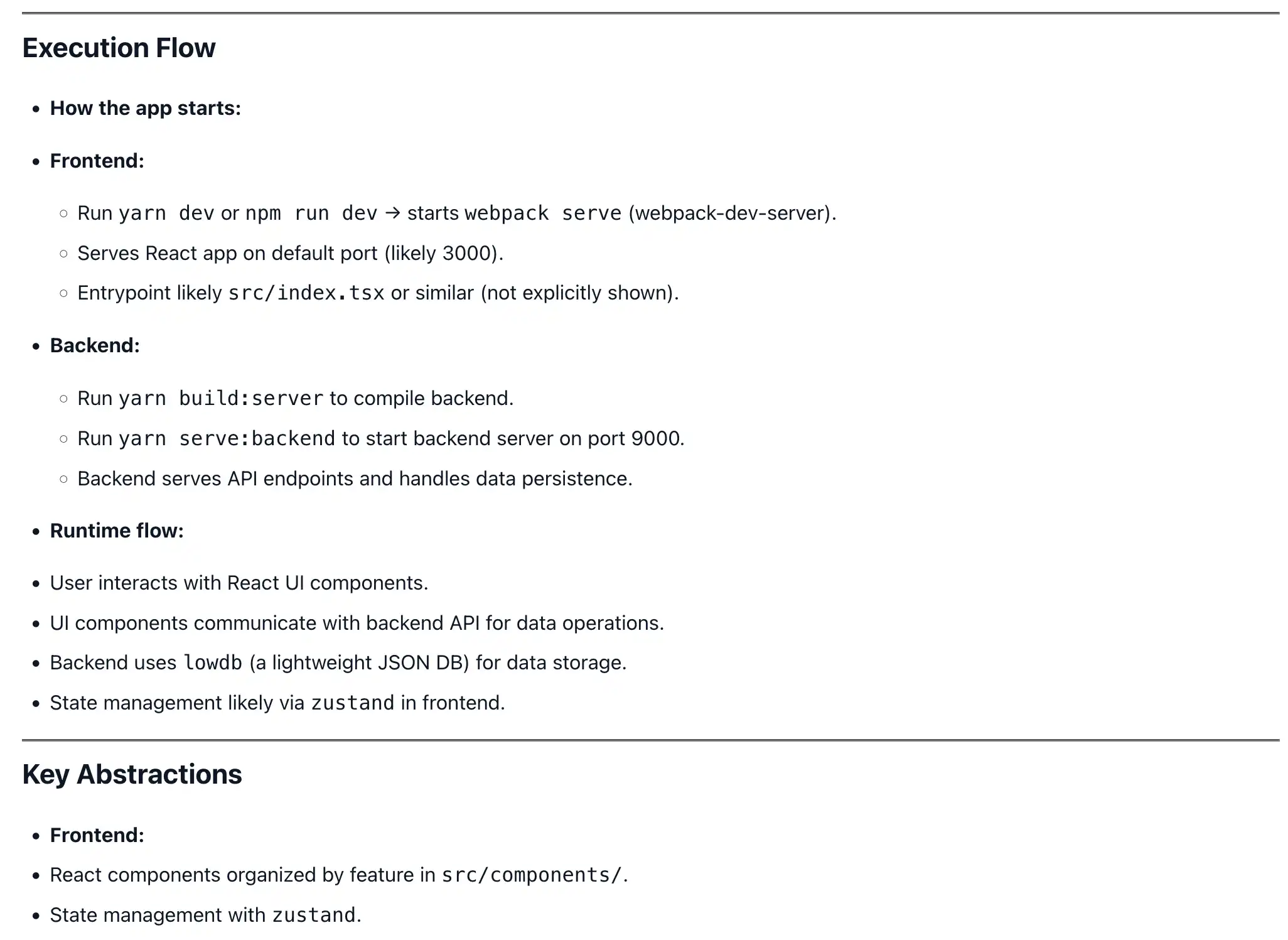
Step 7: UI is displayed using FastAPI
FastAPI acts as an orchestration layer that receives the repo url, triggers the ingestion pipelines, executes the graph workflow and return the rendered markdown to the client.
Next step
Instead of the usual (like most RAG systems),
query->retrieve->generaterepo → embed → store
multiple task-specific queries -> retrieval -> structured outputsIt is multi-perspective retrieval over same knowledge space.
The current bottleneck of this project is its reliance on linear text chunking, which sometimes fragments functional logic across multiple embeddings. The next iteration would be to replace chunking with hierarchical index by mapping imports, inheritance and function calls. This lets the agents follow the execution paths, instead of relying on semantic similarity.